Frank social is an upcoming social media platform backed by Mike Lindell, CEO of Mypillow. Mike has been trying to launch new platforms ever since he was banned from Twitter. He built Frank Speech which he claimed to be the alternative to Twitter. The launch of Frank Speech was successful but the execution faced issues as the website was attacked on the day of the launch.
Steps to Create an Account on FrankSocial
FrankSocial is a social media community platform like facebook . The website access is live but not functional as of now. You can still create an account, log in and check out the app. There is no official launch of the App from the FrankSocial Team.
Guide to signup on FrankSocial – ( With Images ) :
- Visit – dev.franksocial.com
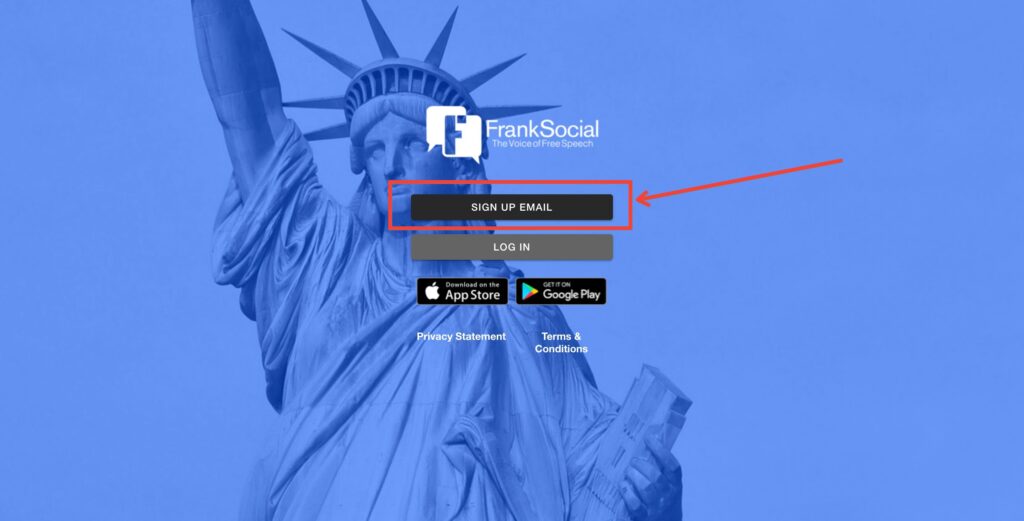
- Click on the Signup Email Button ( As shown in the image )
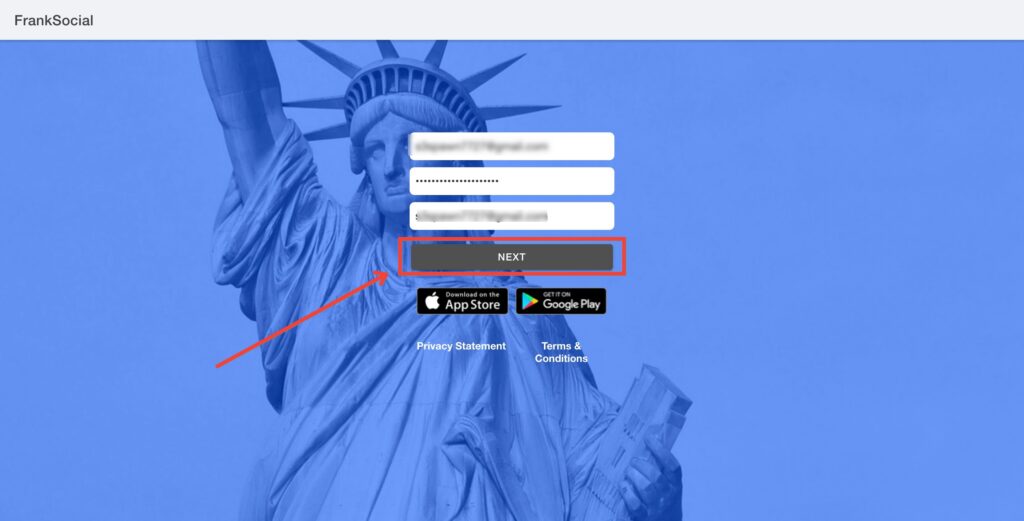
- You will be asked to create a username ( without special characters), a password, and your official email id. Provide the same and click on the Next button as shown in the image.
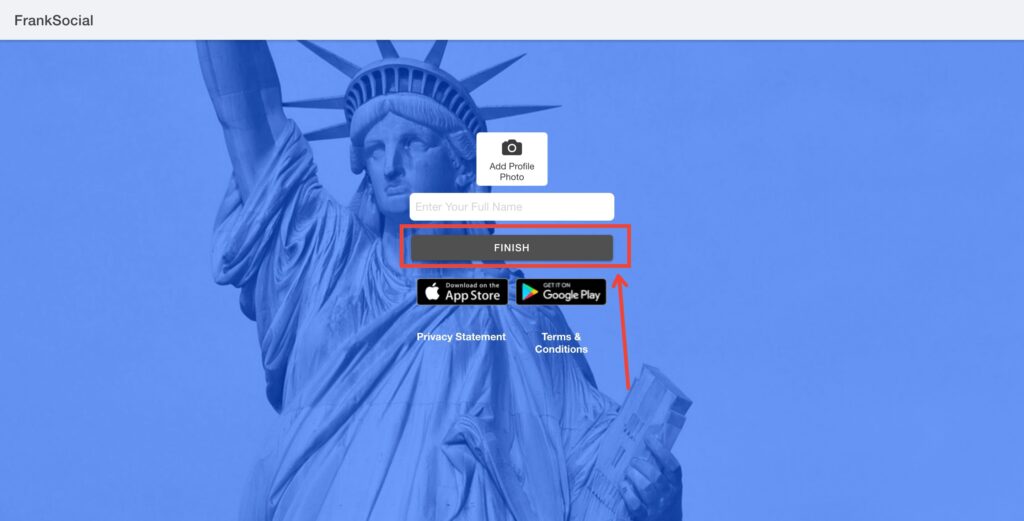
- You will be asked to add a profile photo and enter your full name. Fill in these details and click on Finish. Your application is now completed and you will be able to login into FrankSocial now.
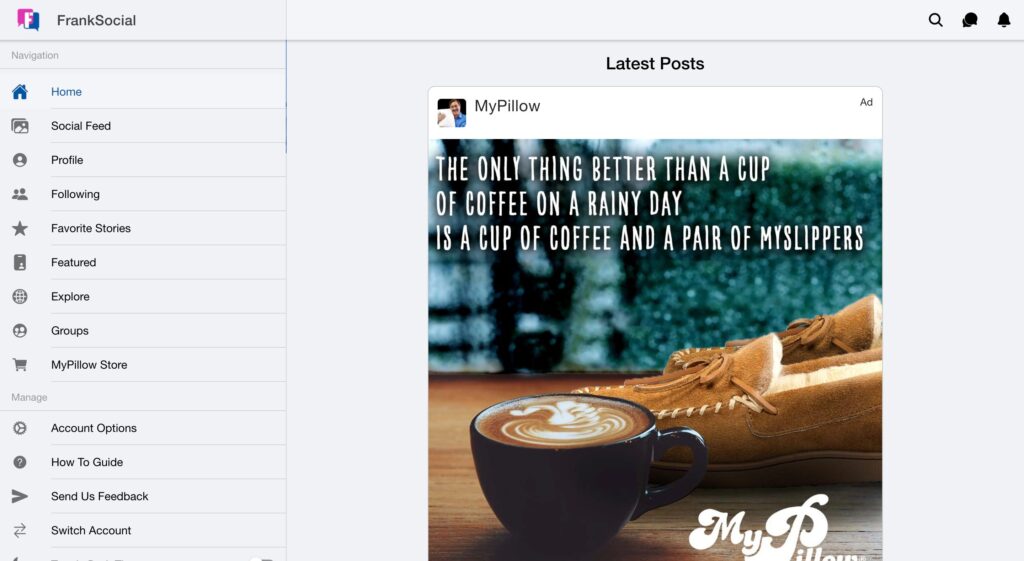
- Once you log in to FrankSocial you can see all the navigation on the left, the posts and content in the middle, and settings on the right. There is an in-app messaging feature too. Franksocial is in beta as of now and all the users on the platform are mostly from Mike Lindell’s friend’s group.
Steps to Create FrankSocial Account on Android
- Download the FrankSocial App from the Google play store.
- Open the app once it’s installed.
- Click Sign Up, then choose a username, and password, and enter your e-mail address.
- Done.
Steps to Create FrankSocial Account on iPhone
- Download the FrankSocial App from the Apple app store.
- Open the app once it’s installed.
- Click Sign Up, then choose a username, and password, and enter your e-mail address.
- Done.
FrankSocial does not have any official app at the moment. FrankSocial can be accessed only via web as of now.
My Review
FrankSocial looks promising and has a pretty decent UI. Franksocial loading speed is faster and the navigation options are very user-friendly. Overall the whole platform looks decent and engaging. Mike Lindell and his team have done quite well in planning this app.